The Professional Right-Angle Calculator
Handles the units you actually use — fractional inches, feet & inches, decimal inches, and millimeters — with instant diagram preview and high-precision results.
Trusted by steel fabricators, structural framers, and machine installers. When squaring a steel frame, diagonal dimensions are everything. When verifying anchor bolt layouts from drawings, you need exact coordinate values — instantly, on your iPhone, without CAD or a scientific calculator.
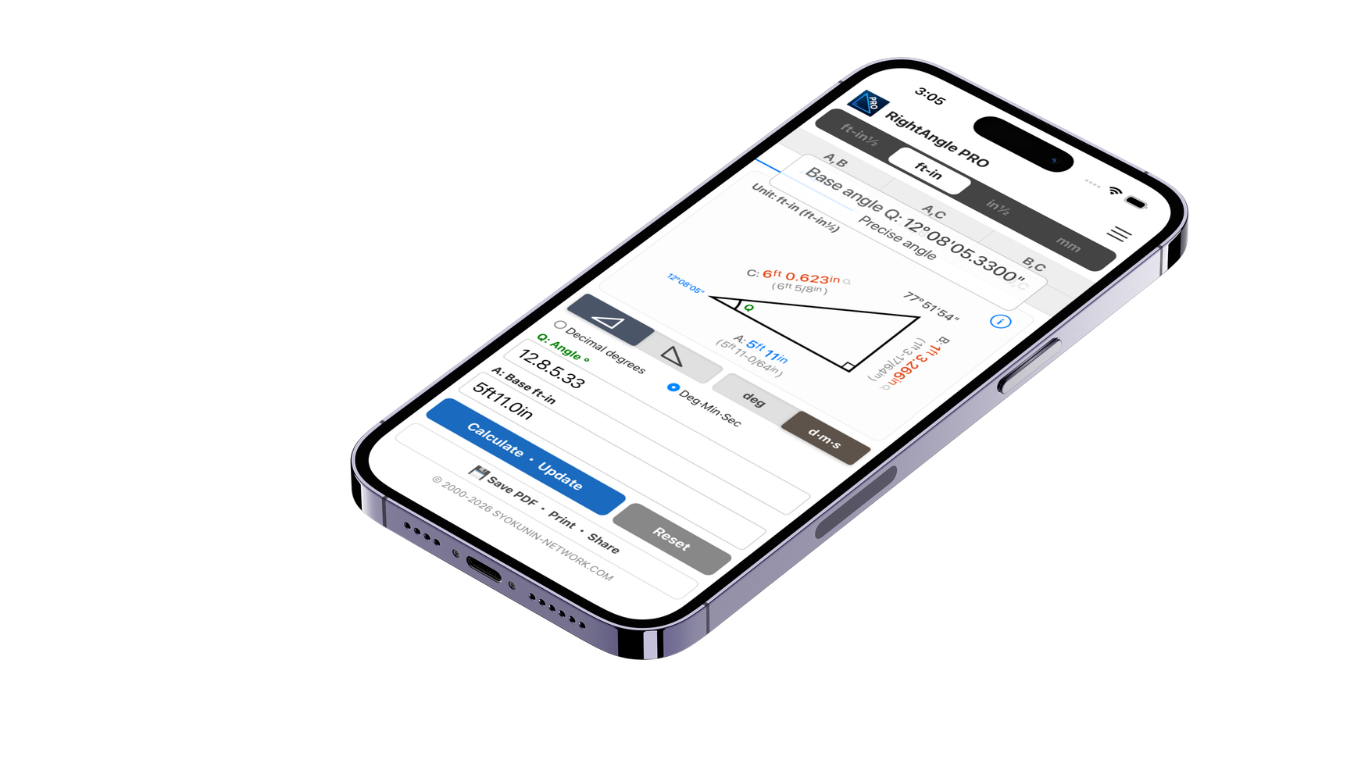
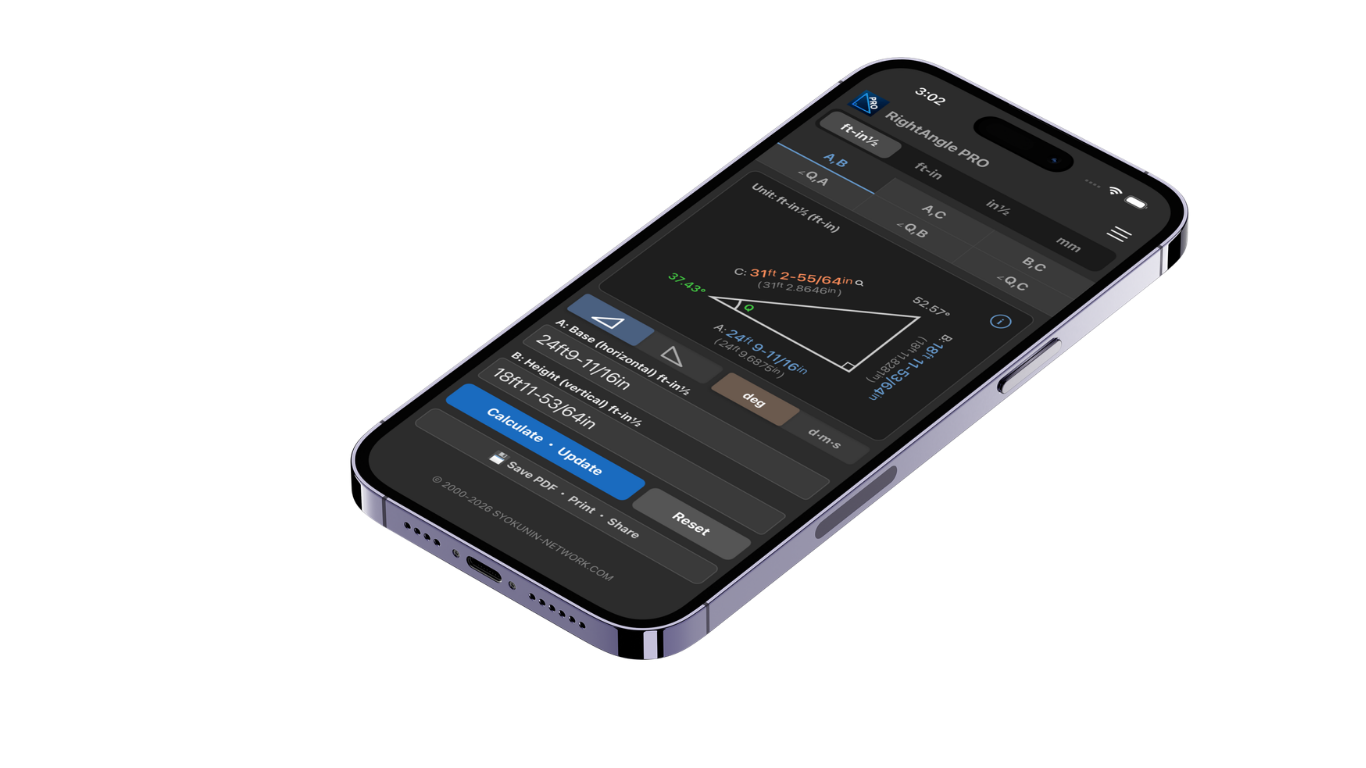
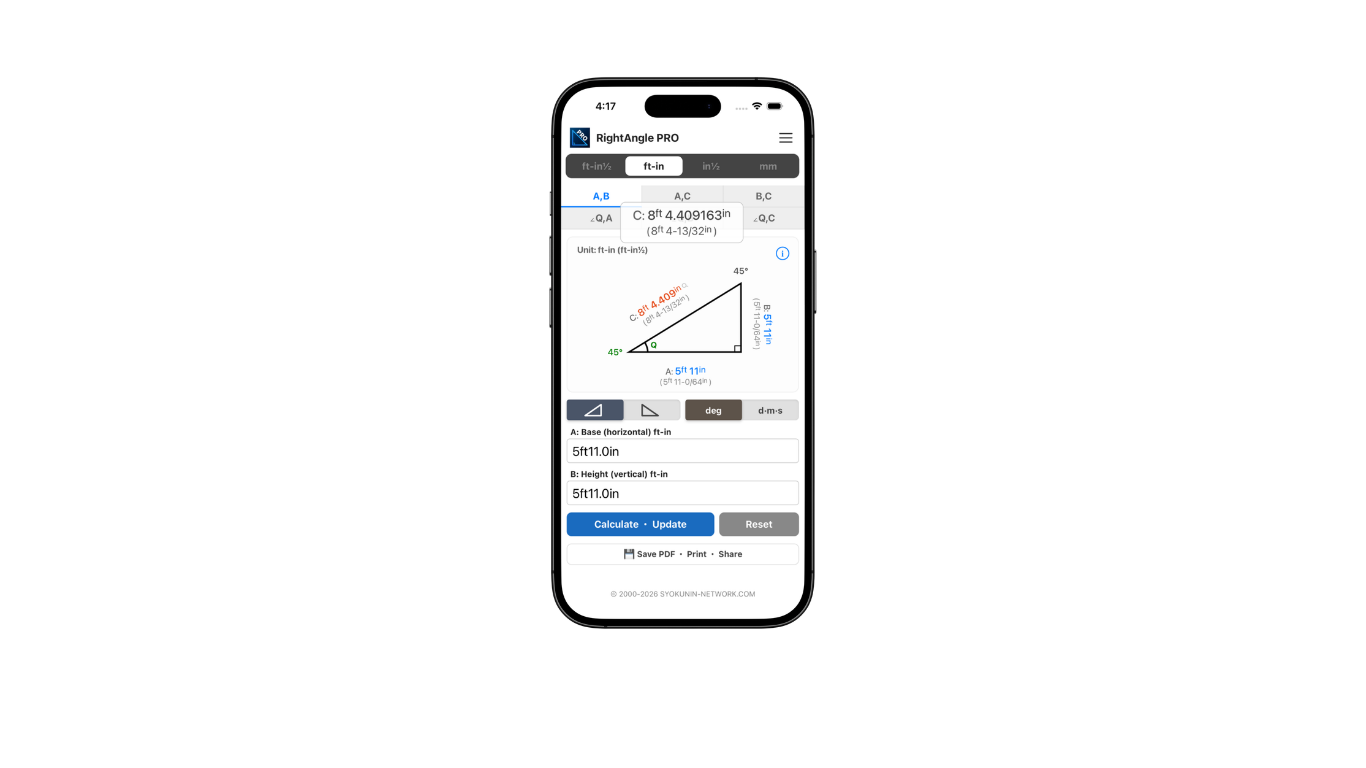
Enter dimensions exactly as you use them: 5ft 10-1/16in, 70-1/16", or decimal inches. Sub-display instantly converts to your chosen second unit.
Mix and match unit displays freely in any combination. Work in the system you prefer — ft/in, metric, or Shaku/Sun.
Every digit you type is instantly reflected in the diagram. Input errors are immediately visible — intuitive and efficient.
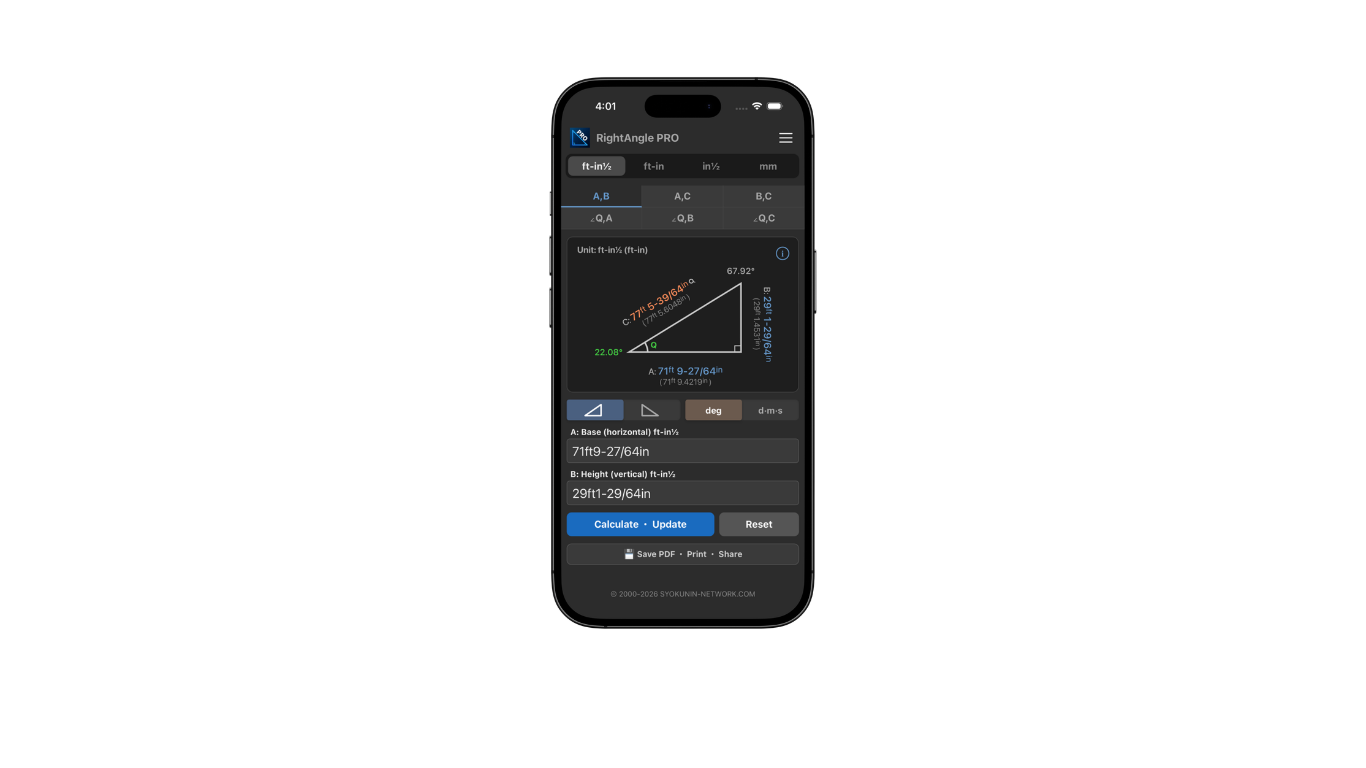
From small framing components to wide-area surveying — calculate angles to mountain peaks or distant tall structures.
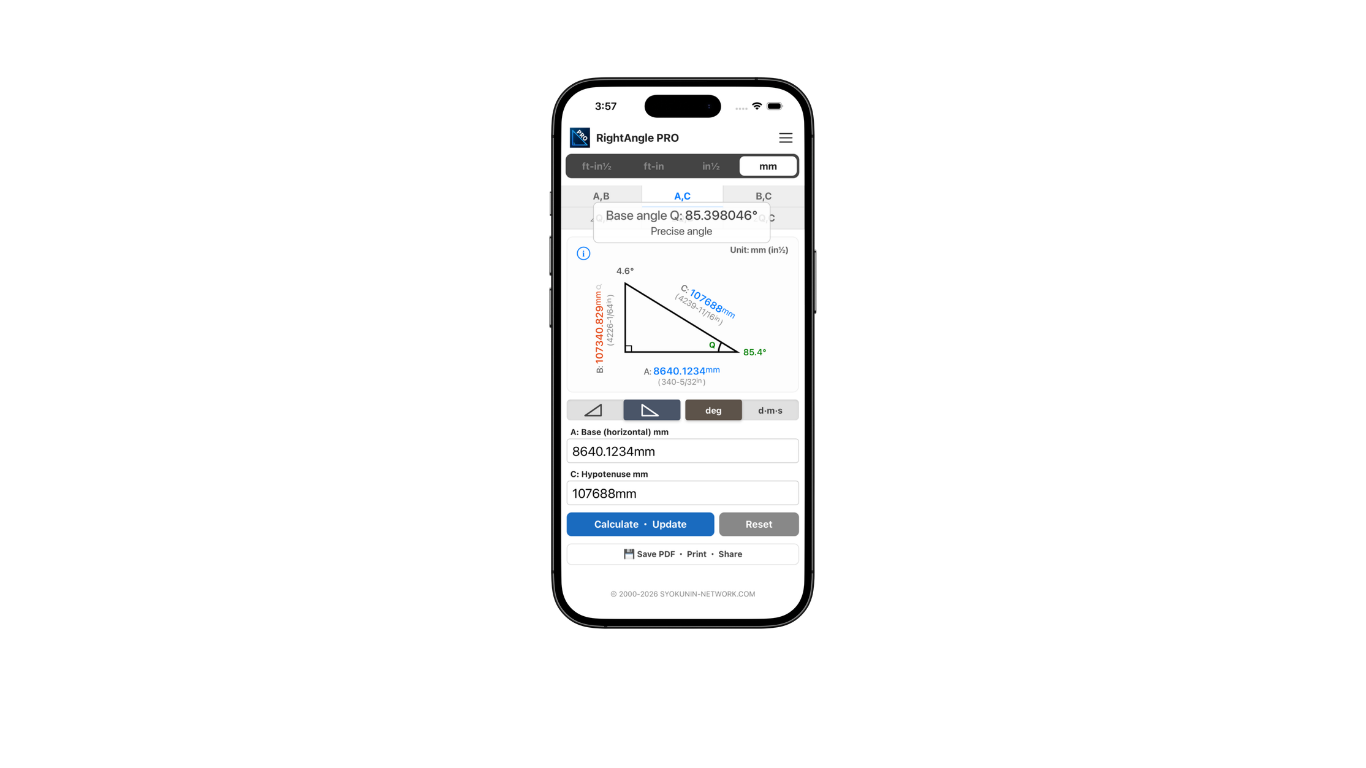
Sides to 4 decimal places. Angles to 6 decimal places (4 in DMS). Tap any value for a detailed precision readout.
Flip the diagram between right-rising and left-rising with one tap.
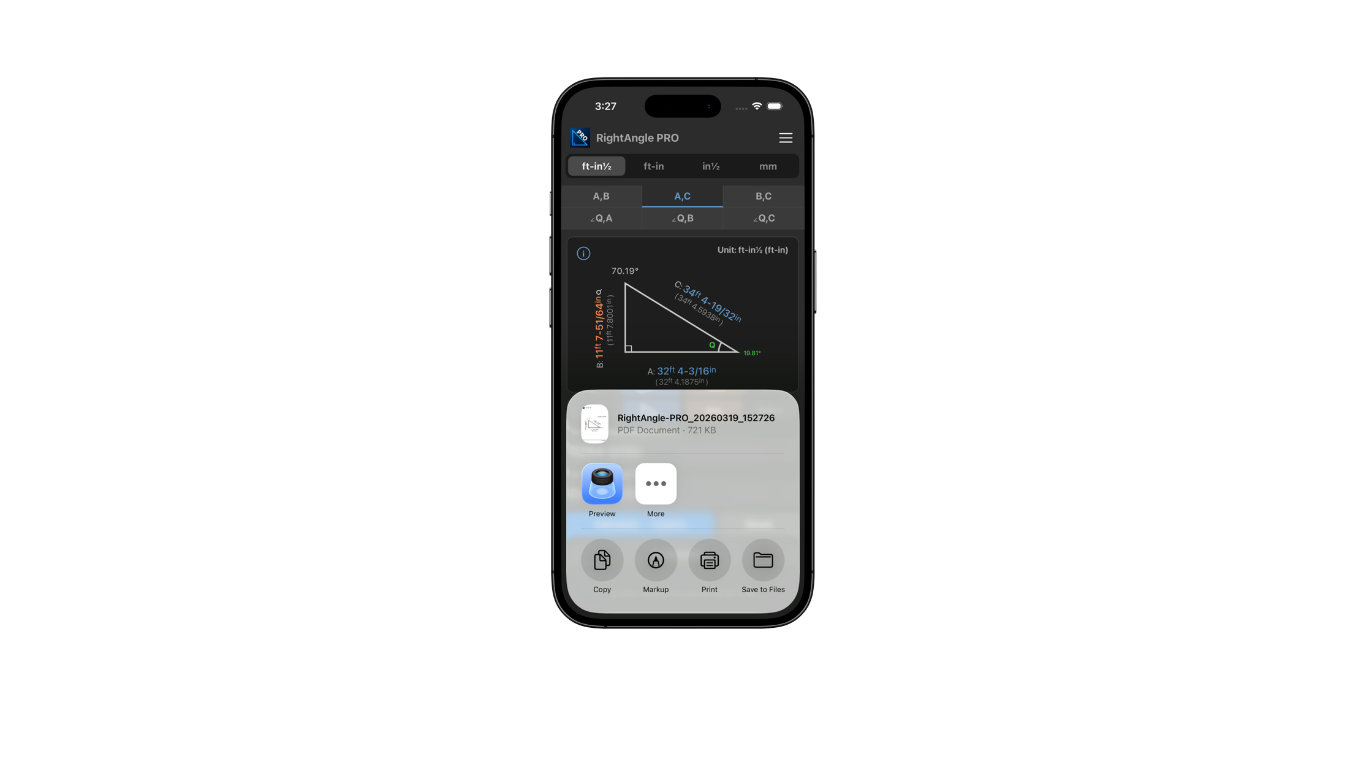
Save and print calculation results with diagrams as PDF. Easy to share on-site or by email.
Switch between Light and Dark to suit your environment. Both modes are fully refined.
All calculations run completely offline. Data is processed only on your device — no internet required.
Built for professional precision. Every unit, every decimal — right where you need it.
Steel fabricators and structural framers who need exact diagonal dimensions to square frames and verify right angles on every weld.
Machine installers and ironworkers who verify anchor bolt layouts directly from drawing dimensions — no CAD, no scientific calculator required.
Construction and site engineers who calculate slopes, angles, and coordinate values instantly on the job site, then share results as a PDF.
Factory floor workers and fabrication shop professionals who need a fast, reliable right-angle reference throughout every task.
RightAngle PRO is not a simple one-time calculator. It is a professional tool designed for daily use in construction, manufacturing, and fabrication environments — built on 35 years of hands-on experience in the field.
A worker on a construction site measures values and communicates them to the office. The office uses the app to calculate instantly and emails a PDF with the diagram directly back to the site. The worker receives the drawing on-site and proceeds with precise work. This workflow happens repeatedly, every day.
In a factory setting, a worker calculates on the app and sends the result to an office printer. The printed A4 drawing is brought to the worker on the floor, who uses it as a reference throughout the task. Accurate, professional drawings are generated continuously as work progresses.
Understanding diagonal dimensions and coordinate values is fundamental in manufacturing and construction. RightAngle PRO eliminates the need to memorize complex scientific calculator operations or apply the Pythagorean theorem manually. Even first-time users can operate the app intuitively, without any prior knowledge of trigonometry or construction mathematics.
The app is designed to improve the precision of workers who have traditionally relied on physical rulers or mechanical tools to establish right angles — methods that are inherently less accurate. By providing instant, high-precision calculations, RightAngle PRO elevates the quality and accuracy of their work on an ongoing basis.
The app supports calculations for large-scale projects as well, including high-rise buildings and wide-area surveying, with values up to 500 km. This makes it suitable for a broad range of professionals, from small fabrication shops to major construction sites.
Every calculation produces a PDF that becomes part of the user's ongoing work record. These documents accumulate as a body of professional reference material over time. The app supports 8 unit types with customizable presets, serving a wide range of professionals across different industries and regions.
Please Note
Every effort has been made to ensure calculation accuracy. However, minor rounding errors may occur. Please verify all results before use in construction or professional work.
As we continually improve the app, if there is any discrepancy between this description and the actual behavior, the app's behavior takes precedence.
Terms of Use (EULA): Apple Standard EULA