
Secure Field Photo Sharing
Encrypt and share field photos with a passcode-protected URL.
No special app needed to view — just open the link and enter the code.
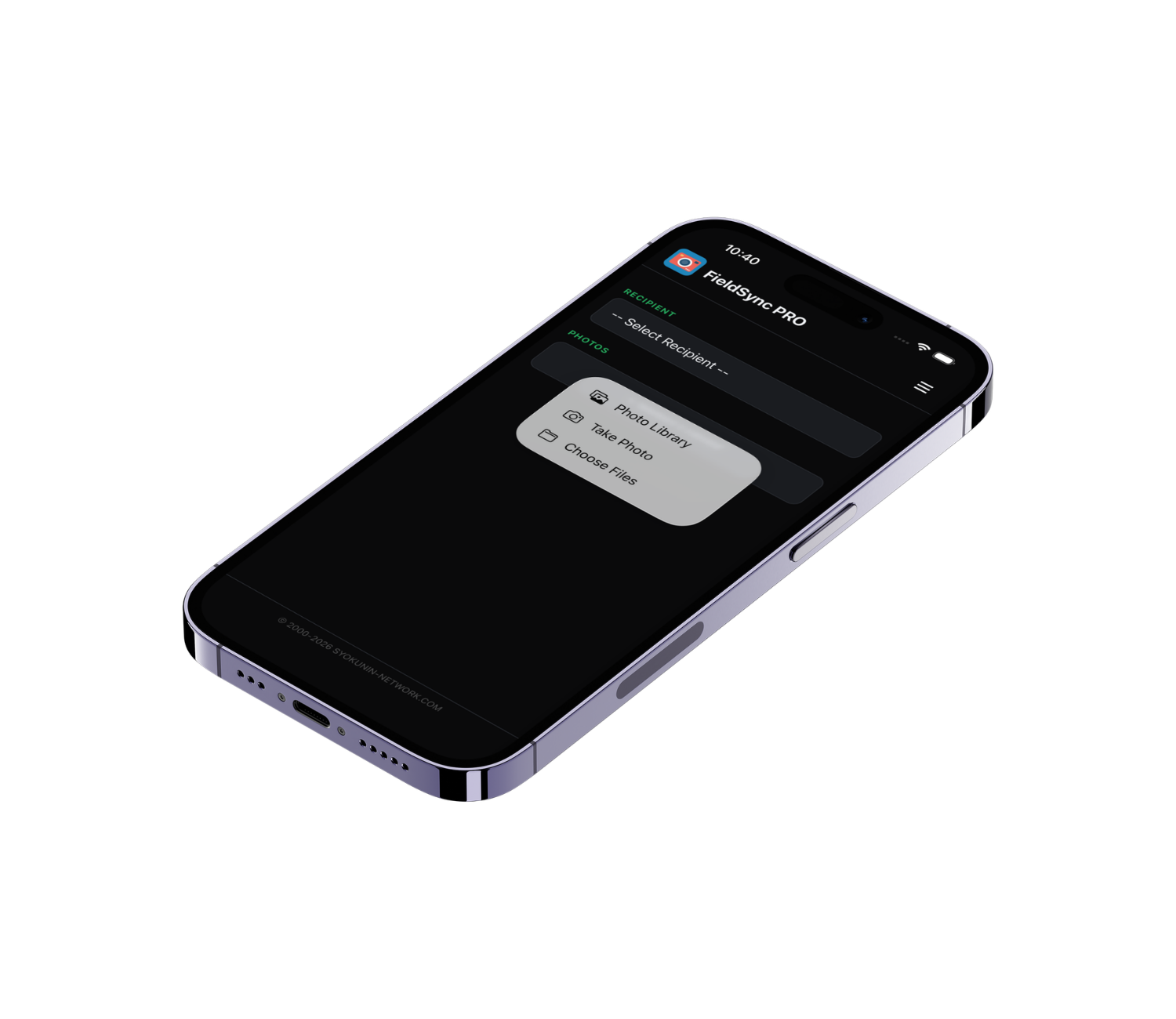
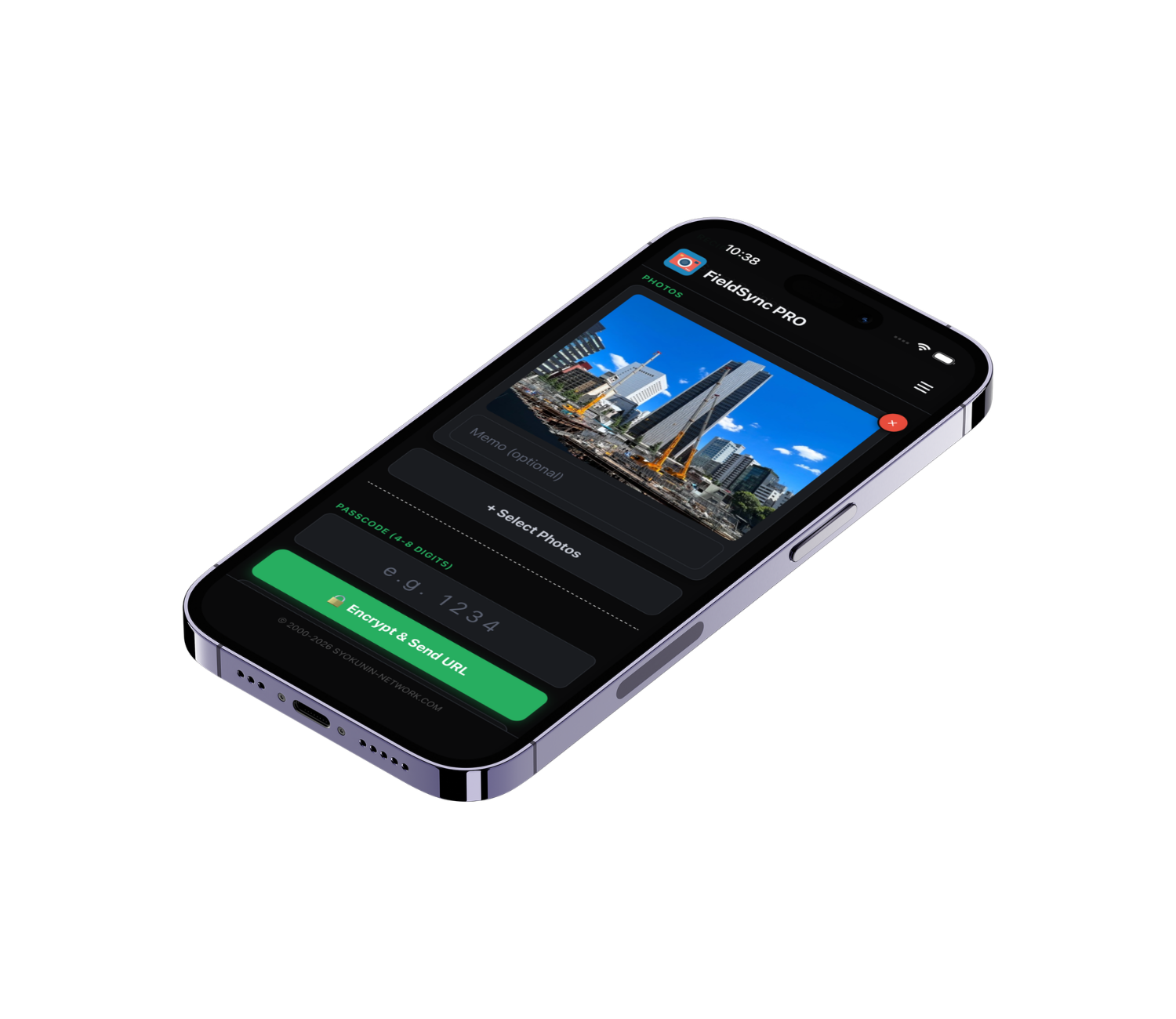
Photos are AES-encrypted before upload. The server cannot decrypt your data — only the passcode holder can view the images.
Recipients open a URL in any browser, enter the passcode, and view photos instantly — no installation needed.
All data is automatically deleted from the server 48 hours after upload. No trace left behind.
PRO plan lets you send to up to 5 recipients at once — ideal for sharing with your entire team in one step.
Every send is logged with the URL, passcode, and expiry time. Resend to anyone from your history with one tap.
Full Japanese and English support. Switch languages at any time from the menu.
Choose photos from your library or take new ones with the camera. Add a memo to each photo if needed.
Enter a 4–8 digit passcode. Photos are encrypted with this code before upload — even the server cannot read them.
A unique URL is generated. Your mail app opens automatically with the URL and passcode pre-filled — just hit send.
The recipient opens the URL in any browser, enters the passcode, and views the photos. ZIP download is also available.
Please Note
All photos are AES-encrypted on your device before being sent to the server. The server cannot decrypt your data. Uploaded data is automatically deleted 48 hours after sending.
Contact information (names and email addresses) is stored only on your device and is never transmitted externally.
Terms of Use (EULA): Apple Standard EULA | Privacy Policy
Fill in the form below and tap Send via Email.
Your mail app will open with everything pre-filled — just hit send.
This button opens your default mail app with your message pre-filled.
No data is sent through this website.